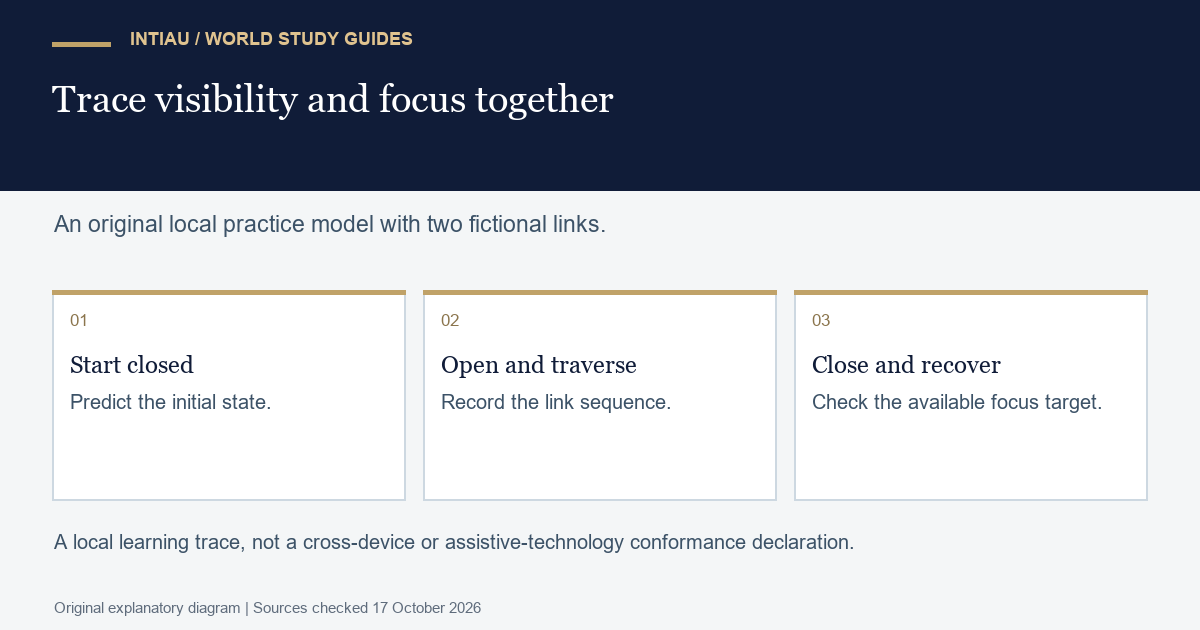
This self-study workshop builds a tiny disclosure navigation model for a fictional reading room. The task is to open two local destination links, reach them with a keyboard, close the disclosure and recover a predictable focus position. Your deliverable is a state table, a short inert code example and an observed keyboard sequence in an isolated practice fixture.
The W3C disclosure-navigation example uses buttons and ordinary links rather than the ARIA menu role. Its expanded state tracks visibility; Escape closes an open dropdown and returns focus to its controlling button.
Write the states before the interaction
Our fictional disclosure has one button labelled Reading choices and two links named Maps and Models. The destinations are local fragments, not external pages. Initially the link container is hidden. Activating the button reveals it; activating the button again closes it. When an open container handles Escape, it closes and focus returns to the button.
| Starting state | Action | Required result |
|---|---|---|
| Closed | Activate button | Open; button reports expanded |
| Open | Tab from button | Reach Maps, then Models |
| Open, focus within links | Escape | Close; focus returns to button |
| Closed | Tab from button | Skip hidden links |
Do not add arrow-key behaviour to this small task. The acceptance sequence uses ordinary Tab navigation, button activation and Escape. Additional interactions would need their own explicit rules and checks. A longer feature list is not evidence that the simpler sequence works.
Complete worked example
Read the markup and script together as one learning fixture. The code below is escaped text, not an active navigation component in this article. The fictional destination sections can be simple headings placed after the navigation.
<nav aria-label="Practice reading">
  <button id="toggle" aria-expanded="false" aria-controls="choices">Reading choices</button>
  <div id="choices" hidden>
    <a href="#maps">Maps</a>
    <a href="#models">Models</a>
  </div>
</nav>
<script>
const toggle = document.querySelector("#toggle");
const choices = document.querySelector("#choices");
function setOpen(open) {
  choices.hidden = !open;
  toggle.setAttribute("aria-expanded", String(open));
}
toggle.addEventListener("click", () => setOpen(choices.hidden));
choices.addEventListener("keydown", event => {
  if (event.key === "Escape") {
    setOpen(false);
    toggle.focus();
  }
});
</script>
The model answer keeps visibility and the reported state in one function. At the start, hidden is true and expanded is false. The first activation passes true into that function: hidden becomes false and expanded becomes true. The next activation reverses both values. Writing this trace exposes a common mistake in which the attribute changes but the links remain hidden.
For the keyboard answer, begin at the button, activate it, then press Tab twice. The expected focused links are Maps and Models, in that order. Press Escape while Models has focus. The expected result is a closed container with the button focused. Press Tab again and verify that neither hidden link receives focus.
Diagnose failures by their observable effect
If Escape closes the container but leaves focus on a hidden link, the visibility result alone is incomplete. Record the focus target after the action. The worked handler explicitly focuses the controlling button so the user has an available point from which to continue.
If only a pointer click is tested, the record says nothing about the required keyboard sequence. Keep separate columns for action, visible state, reported expanded value and focused element. A screenshot of the open list cannot establish the later Escape result.
If the button refers to a nonexistent container identifier, fix that relationship before adding more scripting. For this exercise the attribute names exactly the container shown in the fragment. The local check should also confirm that the two fragment destinations exist; it need not navigate to an external website.
Now add a third fictional link named Diagrams and predict the revised sequence. After opening, three Tab presses should visit Maps, Models and Diagrams. The close-and-return rule stays the same. Write the prediction before changing the fixture, keeping a useful distinction between an expected result and an observed one.
Questions and final evidence
Retain the state table, the exact example text and one keyboard trace. This small local exercise is not a declaration of conformance across assistive technologies or devices. A production navigation system needs evaluation in its actual context.
Is a navigation disclosure automatically an ARIA menu?
No. The cited example deliberately uses ordinary navigation links.
What must change together when the model opens?
The hidden state and the button’s expanded value.
Where should focus be after the tested Escape action?
On the Reading choices button.
This is an original INTIAU editorial self-study activity; no qualification is awarded. See Courses or Contact for institutional information.
Related guides
View the study diagram