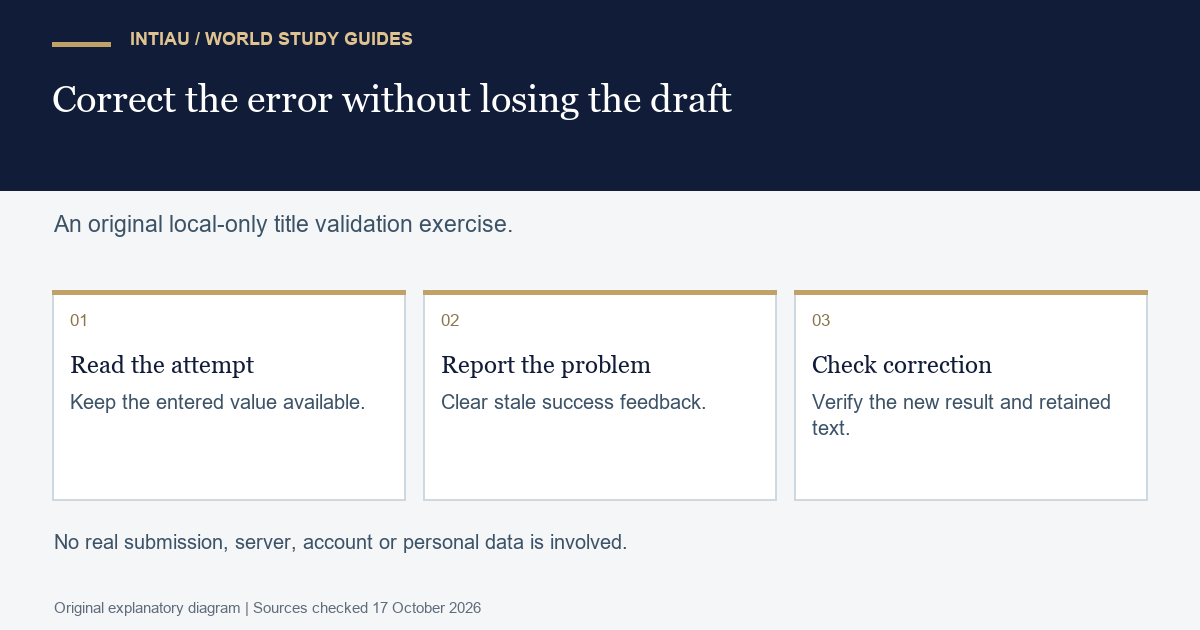
This self-study workshop checks a fictional draft-title form while preserving the text someone has already entered. The task separates an invalid value, a corrected value and a successful local preview. No real submission, account, address or server is involved. The useful result is a state transition that explains both the error message and the retained field contents.
The MDN validation guide documents reportValidity() and custom validity messages. A nonempty custom message marks a problem; an empty message clears that custom error. Client checks do not replace server-side validation.
Define the fictional contract
The only field is a draft title. After surrounding whitespace is ignored for the length check, it must contain at least three characters. The local preview echoes the entered title when the check succeeds. The original field value is not rewritten automatically, even if the validation decision uses a trimmed copy.
| Entered title | Validation | Retained field value |
|---|---|---|
| Two spaces | Reject: too short | Both spaces remain |
ab |
Reject: too short | ab |
Atlas |
Accept local preview | Atlas |
One space, Map, one space |
Accept local preview | Original surrounding spaces remain |
Write the expected field value before running each case. An error message that appears while the field is emptied would fail this exercise. A corrected value that remains invalid because an old custom message was never cleared would also fail, even if the new title meets the length rule.
Worked local-only example
The following complete form fragment and handler are displayed as escaped text. The deliberately disabled automatic submission validation lets the handler run its custom check; it then asks the browser to report the resulting validity. Every submit event is prevented, so this practice fixture has no network submission.
<form id="draft" novalidate>
  <label>Draft title <input id="title" required></label>
  <button>Preview locally</button>
</form>
<p id="result"></p>
<script>
const form = document.querySelector("#draft");
const field = document.querySelector("#title");
const result = document.querySelector("#result");
form.addEventListener("submit", event => {
  event.preventDefault();
  const short = field.value.trim().length < 3;
  field.setCustomValidity(short ? "Enter at least three characters." : "");
  result.textContent = "";
  if (!form.reportValidity()) return;
  result.textContent = "Local preview: " + field.value;
});
</script>
For the worked failure, enter ab and activate the preview button. The length is two, so the handler sets the custom message and stops before writing a successful preview. It never assigns a new value to the input. The expected retained value is therefore exactly ab.
Next replace it with Atlas and activate the button again. The length is five, so the custom message becomes empty. The preview becomes Local preview: Atlas, while the field remains Atlas. This second case is essential: testing only the initial rejection would miss a stale-error defect.
Diagnose loss and stale feedback
Suppose a handler calls a reset operation whenever validation fails. That may produce a clean-looking form, but it discards the evidence the user needs to correct. In the fictional task, removing that operation is necessary because the acceptance contract requires exact value retention after an error.
Suppose instead that a previous successful preview remains visible after the next invalid attempt. The field would contain a rejected value beside an old success result. The worked handler clears the preview before checking validity, so the visible outcome cannot be mistaken for acceptance of the new attempt.
Keep three distinct observations in the test record: whether the field is valid, what value remains and what preview text is visible. A Boolean validity result alone cannot establish the other two. Likewise, a browser’s message presentation may vary while the exercise’s validity and retention contract stays the same.
For an extension, propose a maximum title length and decide whether it is checked before or after trimming. Write boundary cases at the maximum and one character above it. Do not quietly insert a new restriction while leaving the old acceptance table unchanged. Requirements and examples should move together.
Questions and final evidence
Submit the four-case answer table, one invalid-to-valid correction trace and the exact handler text. This practice checks a single local field, not a production form’s full accessibility, security or backend behaviour.
How is a previous custom validity error cleared?
Set its custom validity message to an empty string.
Should the failed ab attempt empty the field?
No. The exercise requires the entered value to remain.
Why clear the previous preview before validating again?
To avoid showing an old success beside a new rejected value.
This is an original INTIAU editorial self-study activity; no qualification is awarded. Use Courses or Contact for institutional information.
Related guides
View the study diagram